
How to create an account
One free account lets you buy tickets and list your own events. It takes about two minutes.
Before you start
- Time: about 2 minutes
- Cost: free, with no setup or monthly fees
- You need: an email address you can open now
Go to Sign up
Click Sign Up at the top right of any page. On a phone, open the menu (☰) first.

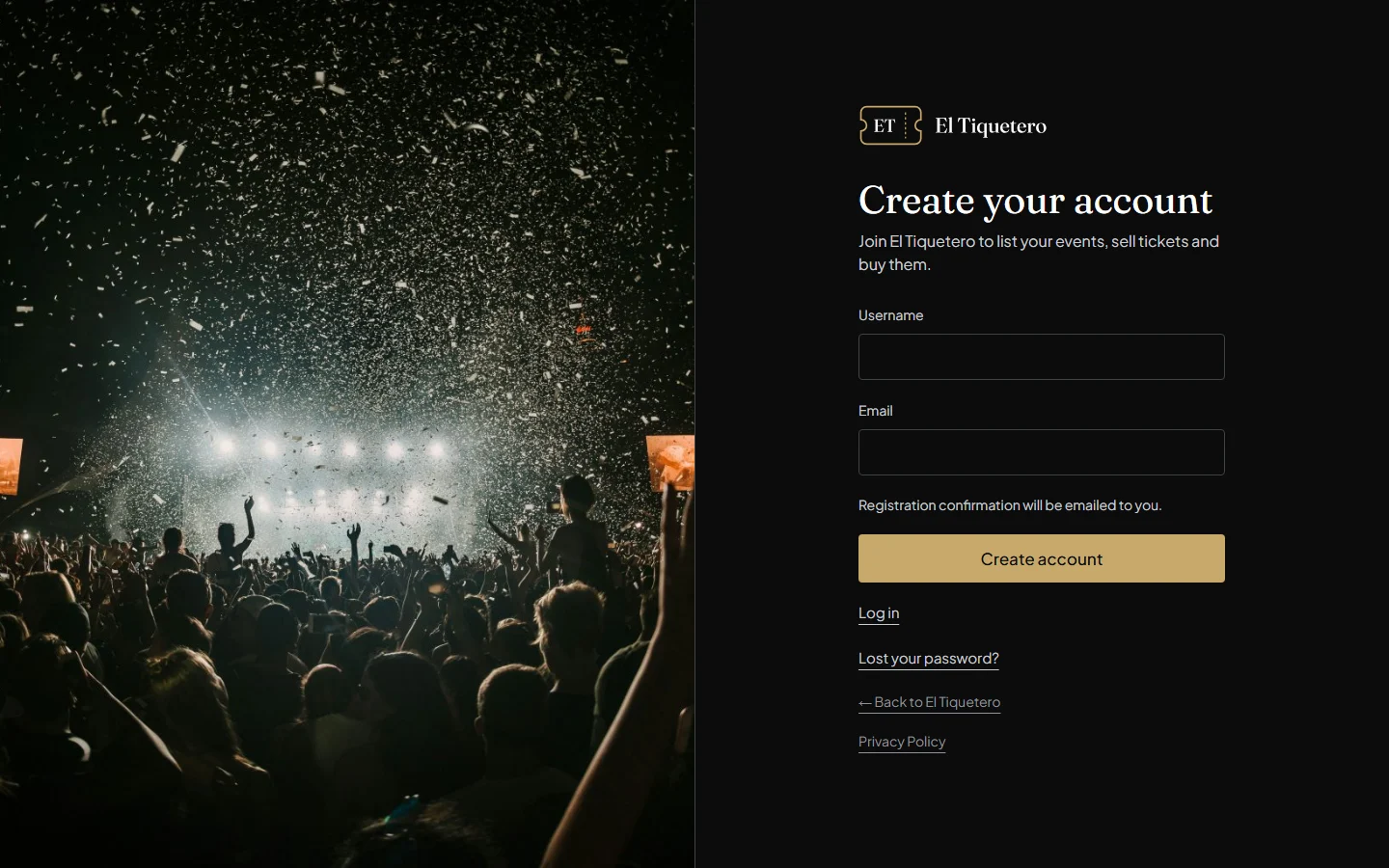
Choose a username and enter your email
Type a username and your email address, then click Create account.
Tip: if you’ll be listing events, choose a username that reflects your organisation or brand, for example palmamusic. You can log in with it or with your email address.
Check your email
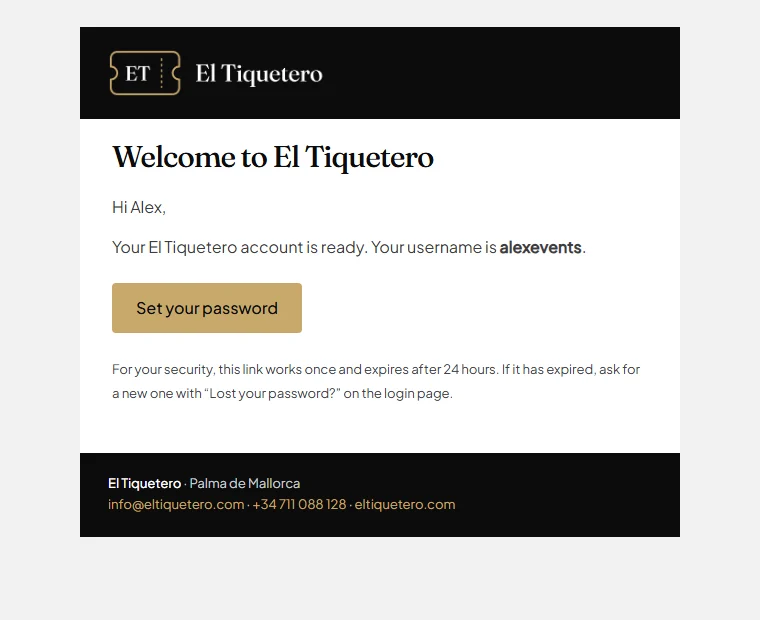
We email you straight away. Open the message called Welcome to El Tiquetero and click Set your password.
Can’t find it? Check your spam or junk folder for an email from El Tiquetero (info@eltiquetero.com). The link works once and expires after 24 hours; if it has expired, use “Lost your password?” on the login screen to get a new one.
Choose your password
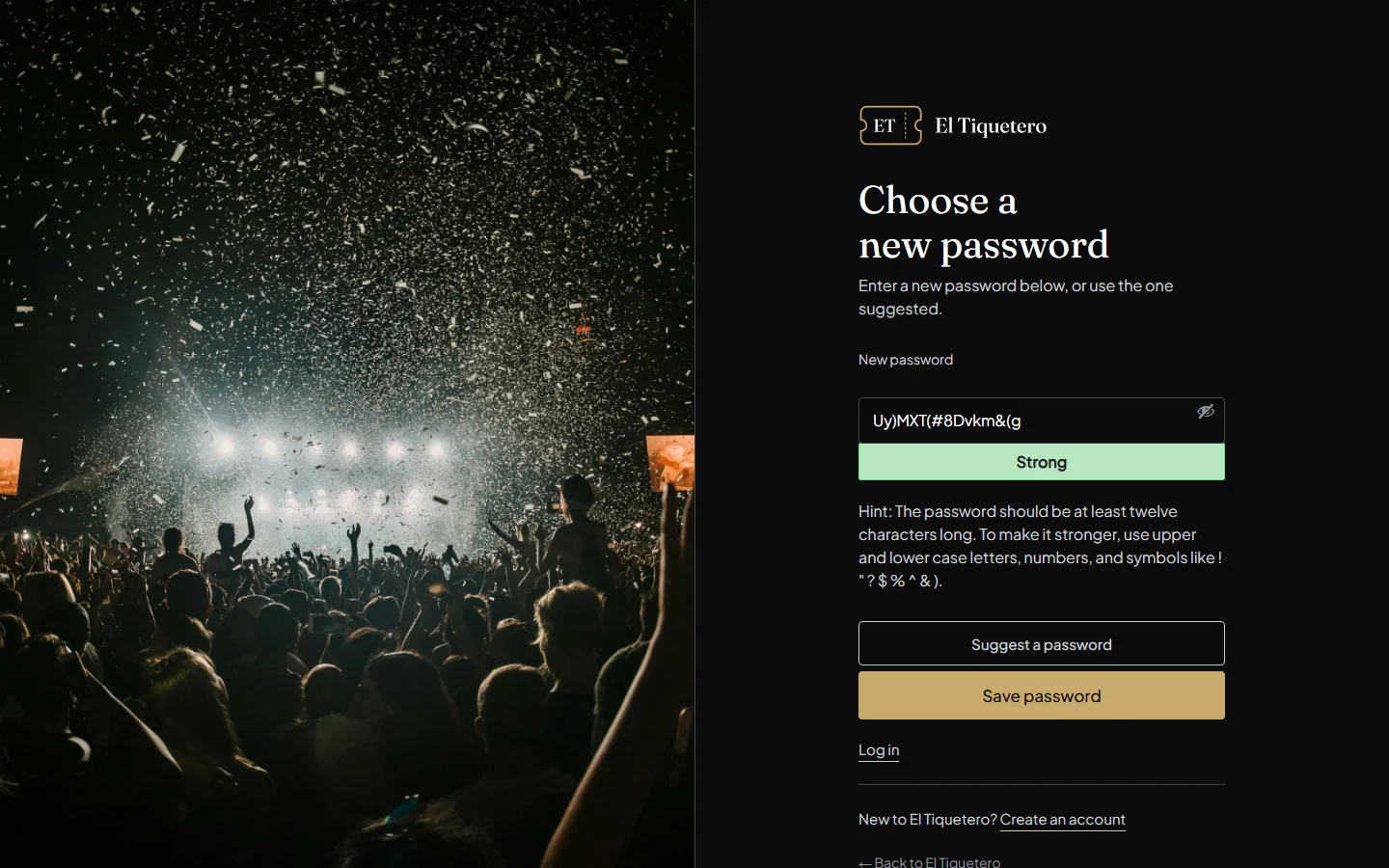
Type a new password, or use the one suggested, and click Save password.
Tip: use at least 12 characters, with upper and lower case letters, numbers and symbols, or let a password manager remember a strong one for you.
Log in
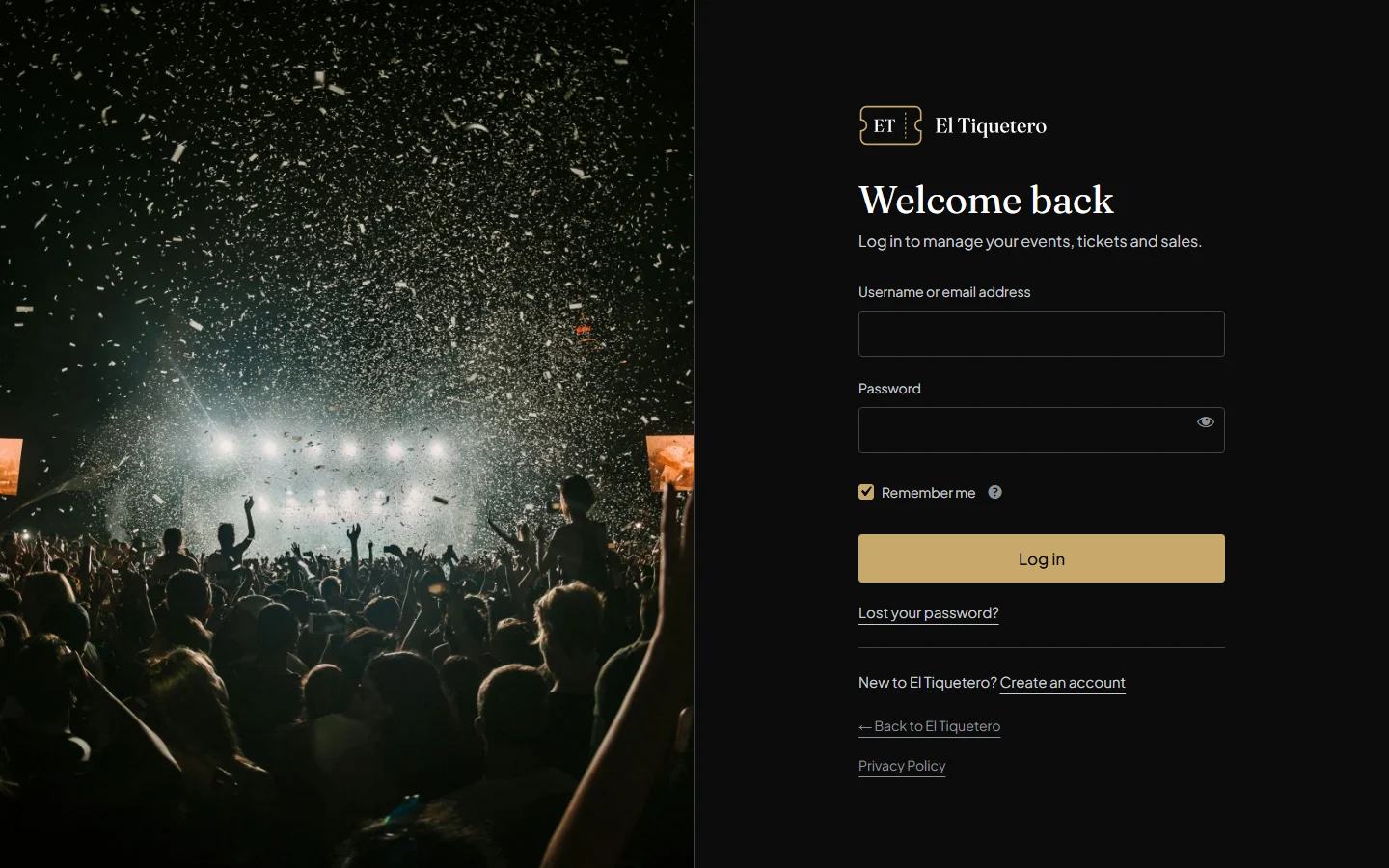
Click Log in, then enter your username or email address and your new password.
You’re in
To buy tickets, go to Find events. To list your own events, click Create Events at the top of any page: that’s Your events, where you add and manage everything. Your tickets and account details are in My Account.

Next: How to add an event
Stuck? Contact us or call +34 711 088 128, and you’ll talk to a real person.