
How to become an affiliate
Share El Tiquetero events with your own link and earn commission on the ticket orders it brings in. Joining is free, and your account is ready straight away.
Before you start
- Time: about 5 minutes
- You need: a PayPal account for your commission, and a website, social media page or newsletter where you’ll share events
- Rates and rules: see the Affiliate programme page and the Affiliate programme terms
Go to Affiliate registration
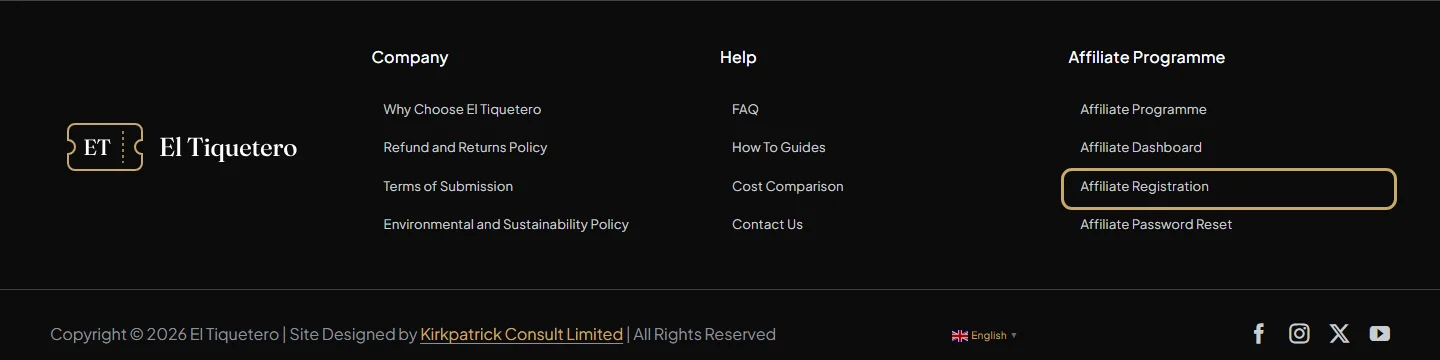
At the bottom of any page, under Affiliate Programme, click Affiliate Registration.
Fill in your details
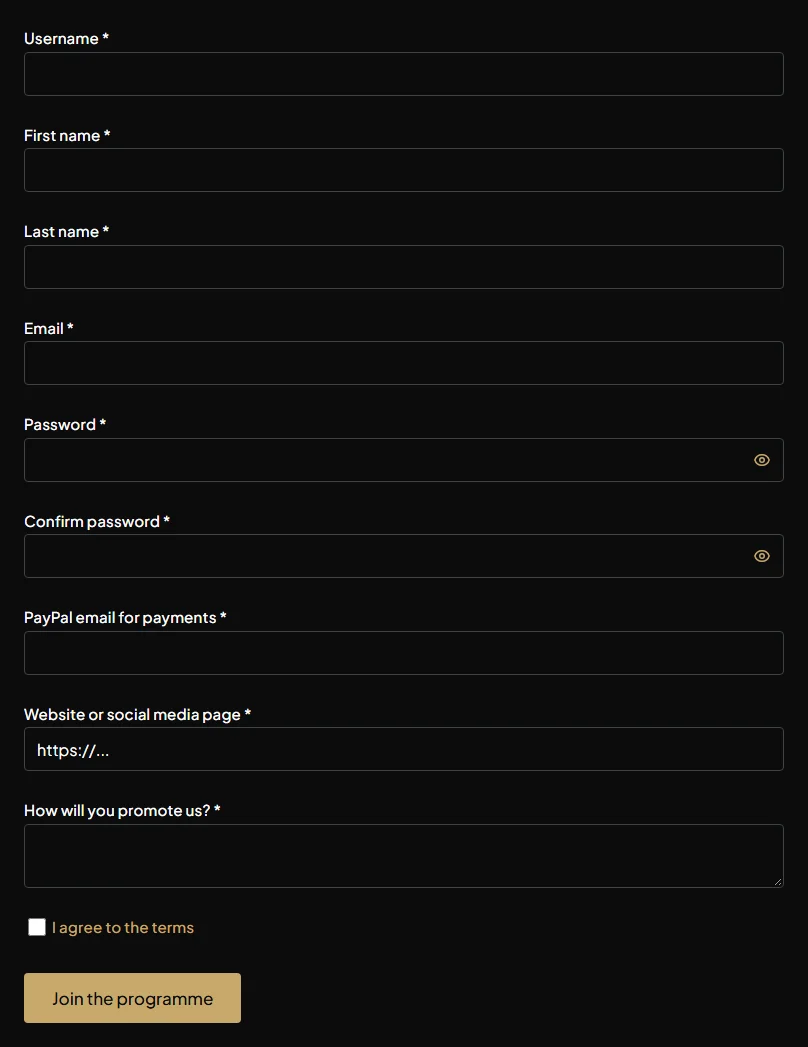
- Username, first and last name, email and password: this creates your El Tiquetero account. Already have one? Log in first (there’s a link above the form) and you won’t need a new password.
- PayPal email for payments: the email address of the PayPal account your commission is paid to. It can be different from your login email.
- Website or social media page and How will you promote us?: where and how you’ll share events, for example an events newsletter, Instagram or a local Facebook group.
Tick I agree to the terms and click Join the programme.
You’re in straight away
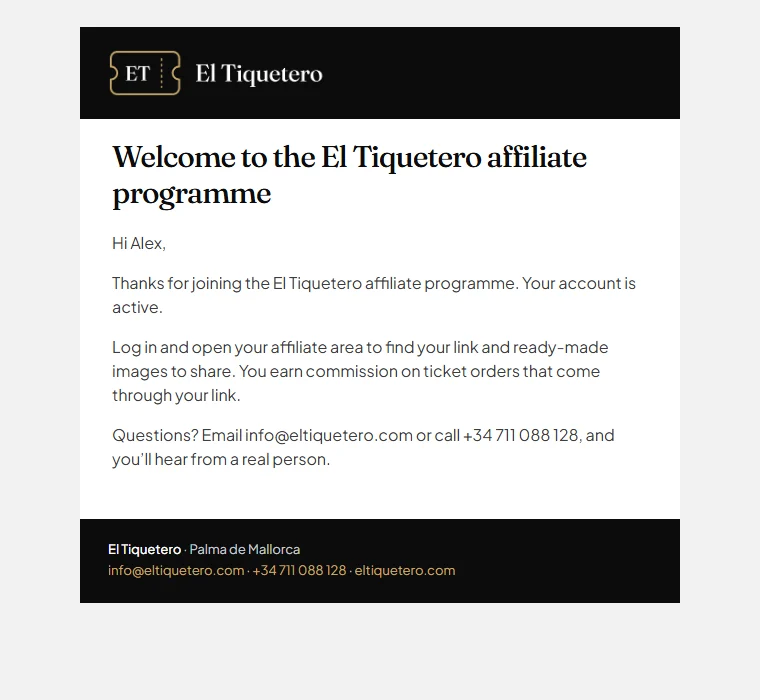
There’s no waiting for approval: your affiliate account is active as soon as you register. We also send you a welcome email.
Open your affiliate area
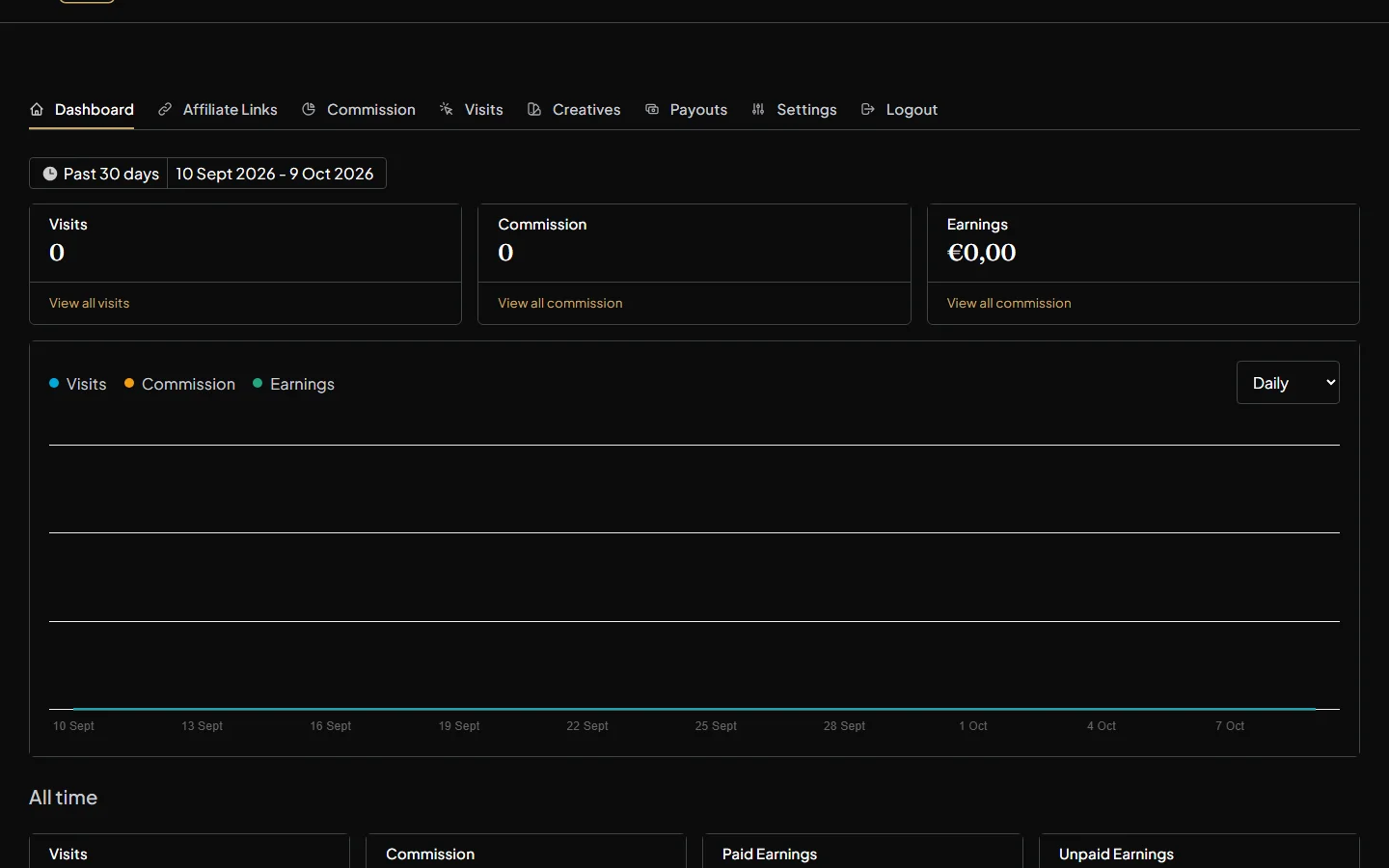
Your affiliate area uses your normal El Tiquetero login. Click Affiliate Dashboard in the footer, or the affiliate link in My Account, and log in if you’re asked to.
- Dashboard: your visits, commission and earnings over time.
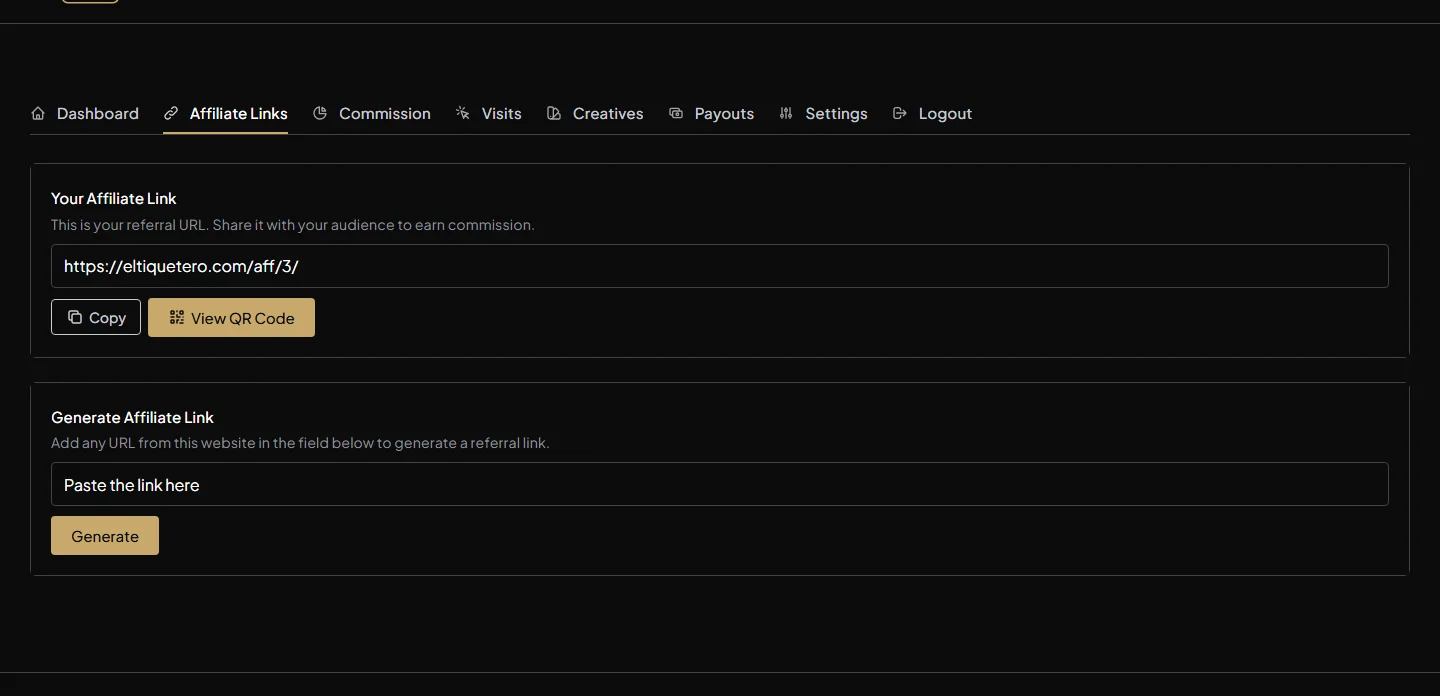
- Affiliate Links: your personal link to copy, or a link to any page on El Tiquetero.
- Commission and Visits: each commission and its status, and each visit that came through your link.
- Creatives: ready-made images and buttons to share, each with your link built in.
- Payouts and Settings: the payments you’ve received, and your details, including your PayPal payment email.
Get your link and start sharing
Open Affiliate Links and copy your link. Anyone who follows it and orders tickets within 30 days earns you commission on that order.
Tip: link straight to an event people will want, rather than the home page, and share it where your audience already is. Ready-made images with your link built in are in Creatives: see how to share creatives.
Next: How to share creatives
Questions? Contact us or call +34 711 088 128, and you’ll talk to a real person.